Ari Zona
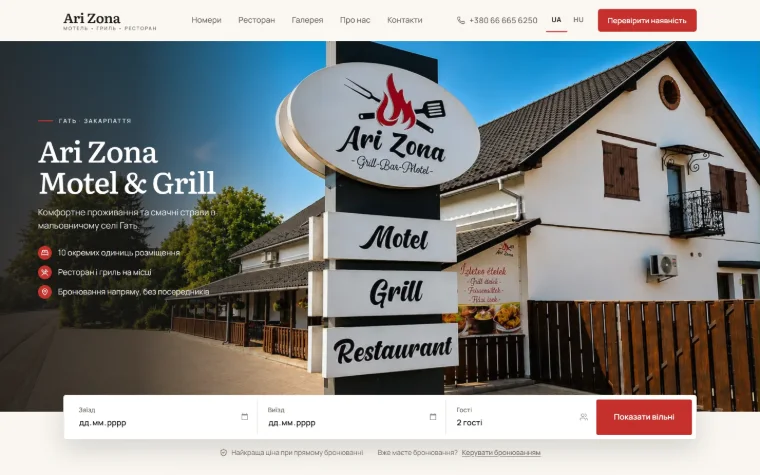
Booking requests arrive with their own number (AZ-…), and guests find them again by number and phone.
- Booking requests
- Request numbers
06AI & automation
Automations and AI-assisted tools that take routine work off your team: enquiries summarised, replies drafted, records created. A person checks and approves before anything reaches a customer.
Capability demonstrationOn this page: a demonstration built for this site, with fictional data. No client AI system is shown.
Step 04 — the human step
Nothing reaches your customer until a person approves it.
AI prepares the summary and the draft. Someone on your team reads it, edits it if needed, and decides whether it is sent. Every automation we build keeps that step.
What it solves
Five kinds of routine work an automation can take on — phrased as possibilities, scoped per project. Where the pattern is shown, it is in the demonstration on this page.
Each new enquiry summarised the moment it arrives: who it is from, what they want, what happens next.
Capability demonstration — the AI summary
A drafted reply beside the customer’s own words, for a person to check, edit and send.
Capability demonstration — the draft for review
An automation that creates the client record and the follow-up task as soon as the details arrive.
Capability demonstration — the client record
Reminders, status changes and notifications that run by rule — and tell the right person.
A possibility, scoped in your offer
Human-in-the-loop by design: AI prepares, a person approves, and nothing is sent without that approval.
The principle behind everything on this page
What we build into it
Possibilities, not a package. Each automation is scoped around one business and the tools it already uses — your offer states what is automated, what AI drafts, and what always stays with a person.
Example interface
What the person on your team works from: the day’s enquiries, already summarised; the draft beside the original message; and a history of who did what. Built for this page, with fictional data.
Each one arrives with a line on who it is from and what they want, and a type a person can correct.
The reply is drafted next to the customer’s own words. Approve it, edit it, or write your own.
Every step is recorded: what AI prepared, what a person changed and approved, and when the reply went out.
In the work
No AI feature is shown for these clients. These live projects show where bookings, orders and enquiries come in — the point where an automation could start, if a business asks for one.
Booking requests arrive with their own number (AZ-…), and guests find them again by number and phone.
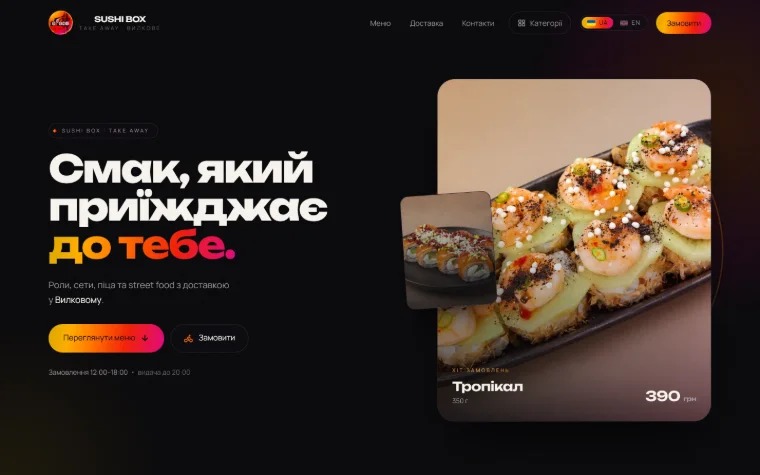
Orders arrive by phone or as a ready-written Viber message, within the shop’s order hours.
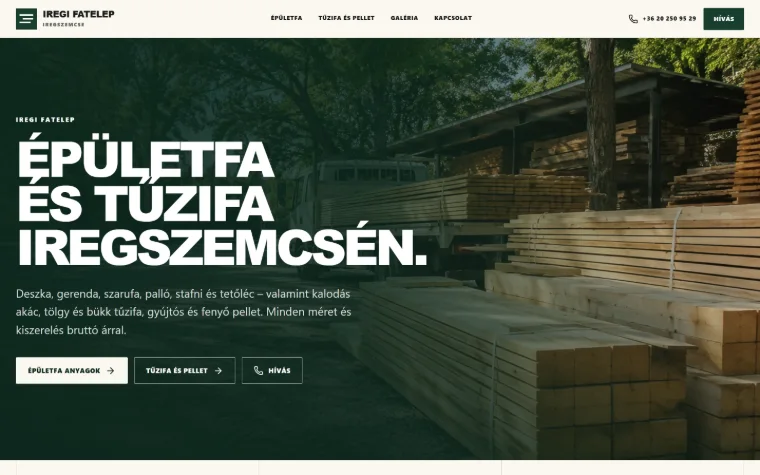
Enquiries come by phone — from every product page and the fixed call bar.
Real client workCapability demonstration
The three projects are real and live; the AI on this page is a demonstration with fictional data. No client AI system is shown on this site. When a project includes automation, its scope, its limits and the AI provider — a third-party service — are written into the offer before work starts.
All workHow the work goes
Five steps, the same for everything we build. You know what you get, for how much and when — before any work starts.
How projects are scoped and paidWe get to know your business and your goals. A short conversation shows what you need — and what you don’t.
A detailed offer and plan: exactly what you get, for how much, and when.
We design and build the system and keep you informed along the way — no black boxes.
We test on key screen sizes and modern browsers, fix what we find, and prepare the launch with your approval.
We launch, train you to manage it, and stay close afterwards — one message, and we help.
Other services
Corporate, catalogue, hospitality and ordering sites — built around how customers decide.
Booking engines, portals, admin panels and tools that run in the browser.
Phone-first products for daily use — shown as a HatalyX concept.
Customers, requests, projects and documents — one place for the team to work.
Catalogues, price lists, ordering, reservations and availability.
Start a project
A free, no-obligation conversation. Tell us about the business — we’ll recommend only what is worth building.
or write directly