HatalyX · UA / HU / EN
Google Business Profile for guesthouses and hotels: how to get on the map
When someone searches "guesthouse Synevyr" or "hotel Berehove", Google often shows a map with a few places first — and only then the websites. You cannot buy a spot on that map without ads: the order depends on your Google Business Profile, guest reviews and distance. The profile is free. This guide covers what to set up and what to avoid.
The basics: name, category, address, contacts
Use the name guests actually know you by, with no extra keywords. A name like "Sunny Guesthouse — cheap stay Zakarpattia" breaks Google's guidelines and can get the profile restricted.
The primary category is the most important choice. Pick an exact one — "Guest house", "Bed & breakfast", "Motel", "Hotel", "Holiday home". A generic "Services" category will not help. Add a secondary category only if it is real, such as a restaurant or sauna on site.
Your name, address and phone must be identical everywhere — the profile, your Instagram bio, the website and directories. That is how Google knows it is one and the same place.
Photos, description, booking link
Guests look at photos first. Upload real, sharp daylight shots: the house outside, rooms, bathroom, the view, the surroundings. A logo and a couple of promo images are not enough.
In the description, say plainly who the place is for: how many guests, what is nearby, parking, breakfast, hot tub or sauna. Seasonal offers can be published as posts on the profile.
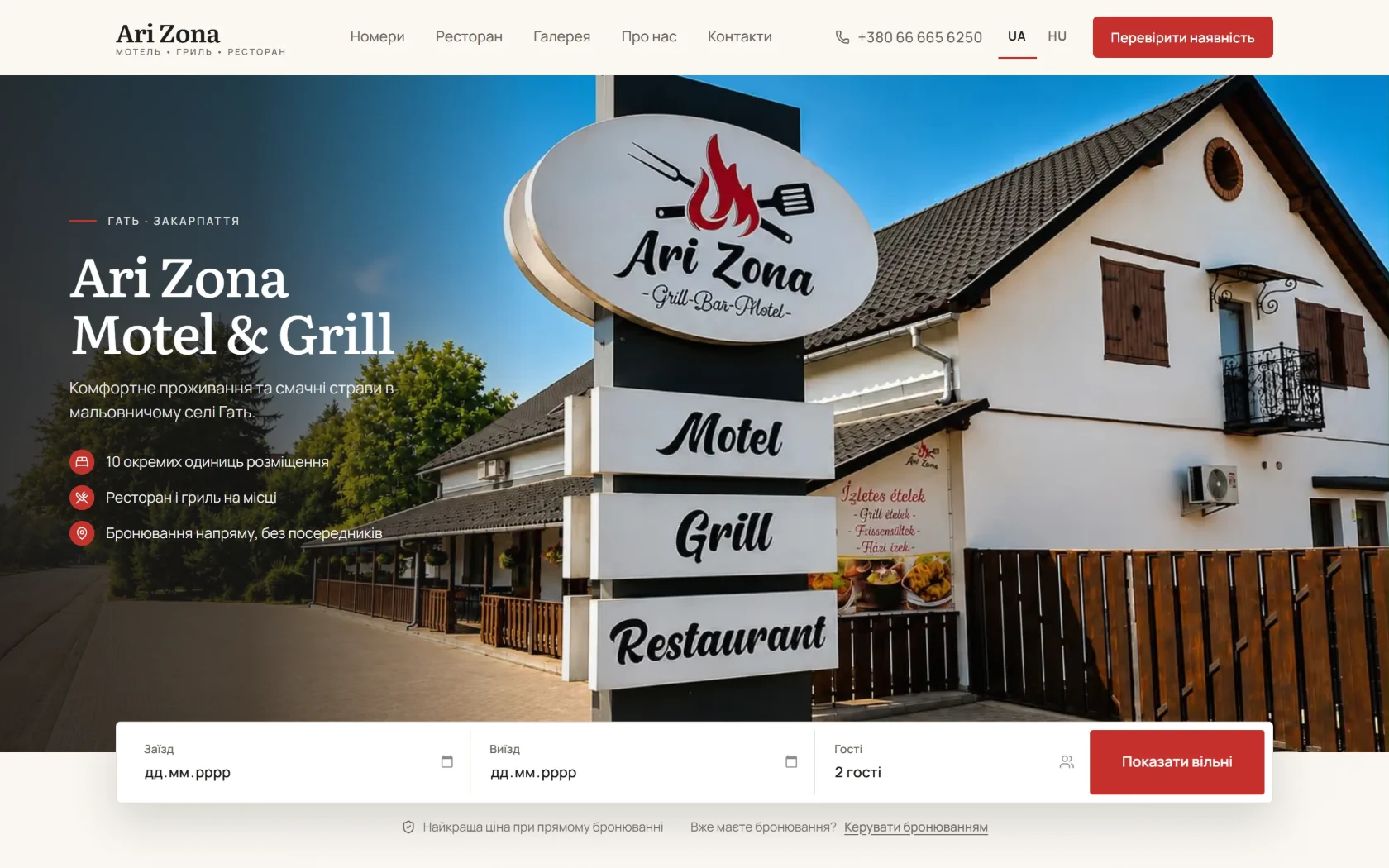
The website link is the most valuable field. If you have your own site with date selection or an enquiry form, put that here instead of Instagram, so a guest coming from the map sees dates and prices right away. A real example is Ari Zona in Hat: the guest picks dates and an available room, then pays a deposit as agreed.
Reviews: how to ask and how to reply
Reviews affect both your map position and whether guests choose you. Ask every happy guest — a short message after check-out with the "ask for reviews" link from your profile.
What not to do: do not pay for reviews, do not offer discounts for them and do not ask friends to write them. It breaks Google's rules and can lead to removed reviews or a restricted profile.
Reply to every review, including the negative ones — briefly, politely, by name. A good reply to a bad review tells the next guest more than ten unanswered compliments.
Verification and common snags
The profile only fully appears after Google verifies it. Google chooses the method — often a short video showing your entrance or sign, the surroundings and that you manage the place. If it is rejected, fix what the reason says and submit again.
Once the profile is live, accurate details, fresh photos, steady reviews and a good website build your map presence together. There is no magic button, but all of it is free.
Want to see what your own site — the one your profile would link to — could look like? Free mockup within 24 hours, before any payment. Prices are public: prices.
Frequently asked questions
How much does a Google Business Profile cost?
The profile is free. You only pay if someone sets it up for you or you order a website.
Do I need a website for the profile?
Not necessarily, but the website link is the most important click: that is where the guest decides to book.
Can I add keywords to the name?
No. Use your real name, otherwise the profile can be restricted.